
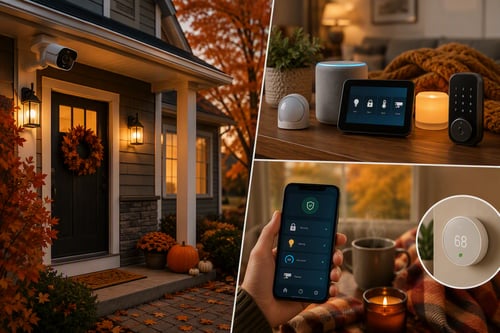
Fall Home Upgrades: Security & Routine Tech
Holiday lights bring warmth and cheer to any home, but fumbling with plugs and timers can be a hassle. Why not make your decorations smarter this season? With voice control, you can turn lights on and off hands-free—perfect for cozy evenings or impressing guests. Here’s how to set it up:
- Choose Smart Plugs or Smart Light Strands
The easiest way to add voice control is with smart plugs. Plug your existing holiday lights into a smart plug, and you’re ready to go. If you’re buying new lights, look for Wi-Fi-enabled smart strands that integrate directly with voice assistants.
- Pick Your Voice Assistant
Most smart plugs and lights work with Amazon Alexa, Google Assistant, or Apple HomeKit. Choose the platform you already use for other smart devices. This keeps everything under one app for easy control.
- Connect and Configure
- Plug your lights into the smart plug or set up your smart strand.
- Download the manufacturer’s app and follow the pairing instructions.
- Link the device to your voice assistant (usually through the app’s integration settings).
- Create Voice Commands
Once connected, you can say things like:
- “Alexa, turn on the holiday lights.”
- “Hey Google, turn off the tree lights.” For extra fun, create custom routines—like “Holiday Magic” to turn on lights and play festive music simultaneously.
- Set Schedules and Automations
Don’t want to remember to turn lights off? Use the app to set schedules or sunset-based automations. This saves energy and keeps your home looking festive without extra effort.
- Check Safety
Smart plugs should be rated for indoor or outdoor use depending on where you place them. Avoid overloading outlets and always follow manufacturer guidelines for safe operation.
Final Thought: Voice-controlled holiday lights add convenience and a touch of magic to your celebrations. With just a few steps, you can make your home smarter—and your holidays brighter.
Give us a call, or fill out the contact form to the right, for a personalized consultation to secure your family's digital life.
Kevin Mewborn
Dec 9, 2025, 9:00:00 AM
Dec 9, 2025, 9:00:00 AM

Comments